MQTT Broker Setup
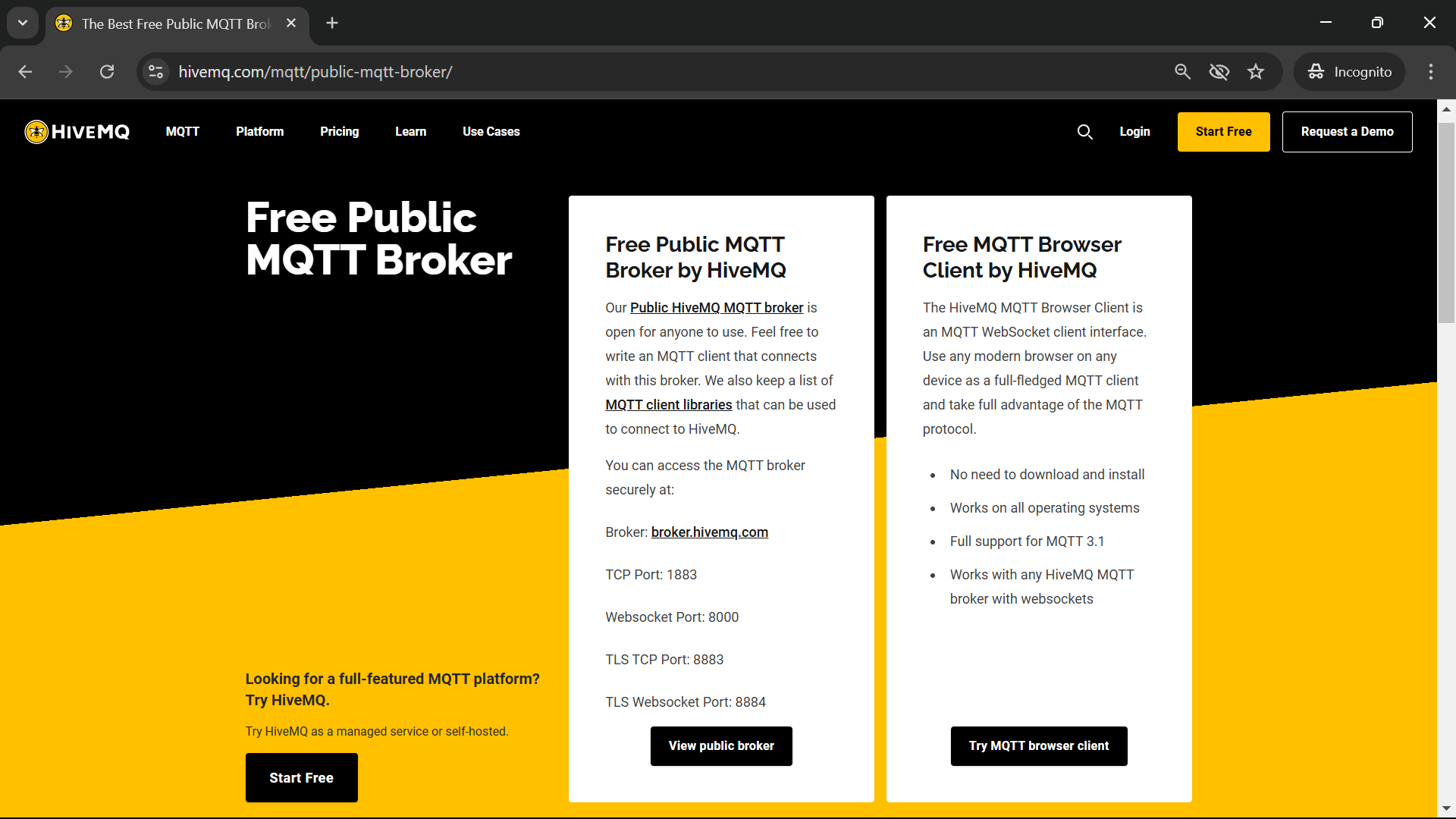
You can install an MQTT broker locally, but to keep things simple, we will be using a free and public MQTT broker on the cloud. There are multiple options, we will use the one from HiveMQ.
Note that public MQTT brokers do not guarantee persistence or security of data. Do not ever post any confidential data on such brokers. Many of these brokers offer an alternative to set up a private and secure broker, generally at a cost but with some free trial options. Private and secure MQTT brokers that work with a user id and password for authentication are easier to set up and are supported by the mobile app. Brokers that require certificates for authentication are currently not supported by the mobile app.
MQTT Brokers use two main protocols:
- MQTT over TCP (for native apps) and
- MQTT over Websocket (for browser and mobile apps).
When configuring MQTT servers in Node-RED use the TCP protocol (and corresponding port) since the connection is being made through Node.js code which is considered a native app.
Both protocols further support secure (TLS) and unsecure communication. Brokers listen on specific ports for each protocol. While there are some standard ports, brokers may use any port of their choice (which they will specify in their documentation). Private brokers also require authentication credentials, either a user id and password, or certificates.
You can use any of the following following public MQTT brokers to test the app:
| Broker FQDN | Port | Protocol | User Id/Password |
|---|---|---|---|
| test.mosquitto.org | 8080 | Websocket Unsecure | Not required |
| broker.hivemq.com | 8000 | Websocket Unsecure | Not required |
| broker.hivemq.com | 8884 | Websocket TLS | Not required |
| broker.emqx.io | 8084 | Websocket TLS | Not required |
The URLs provided are valid and secure to the best of our knowledge but you must reconfirm their validity and security yourself before you use them.
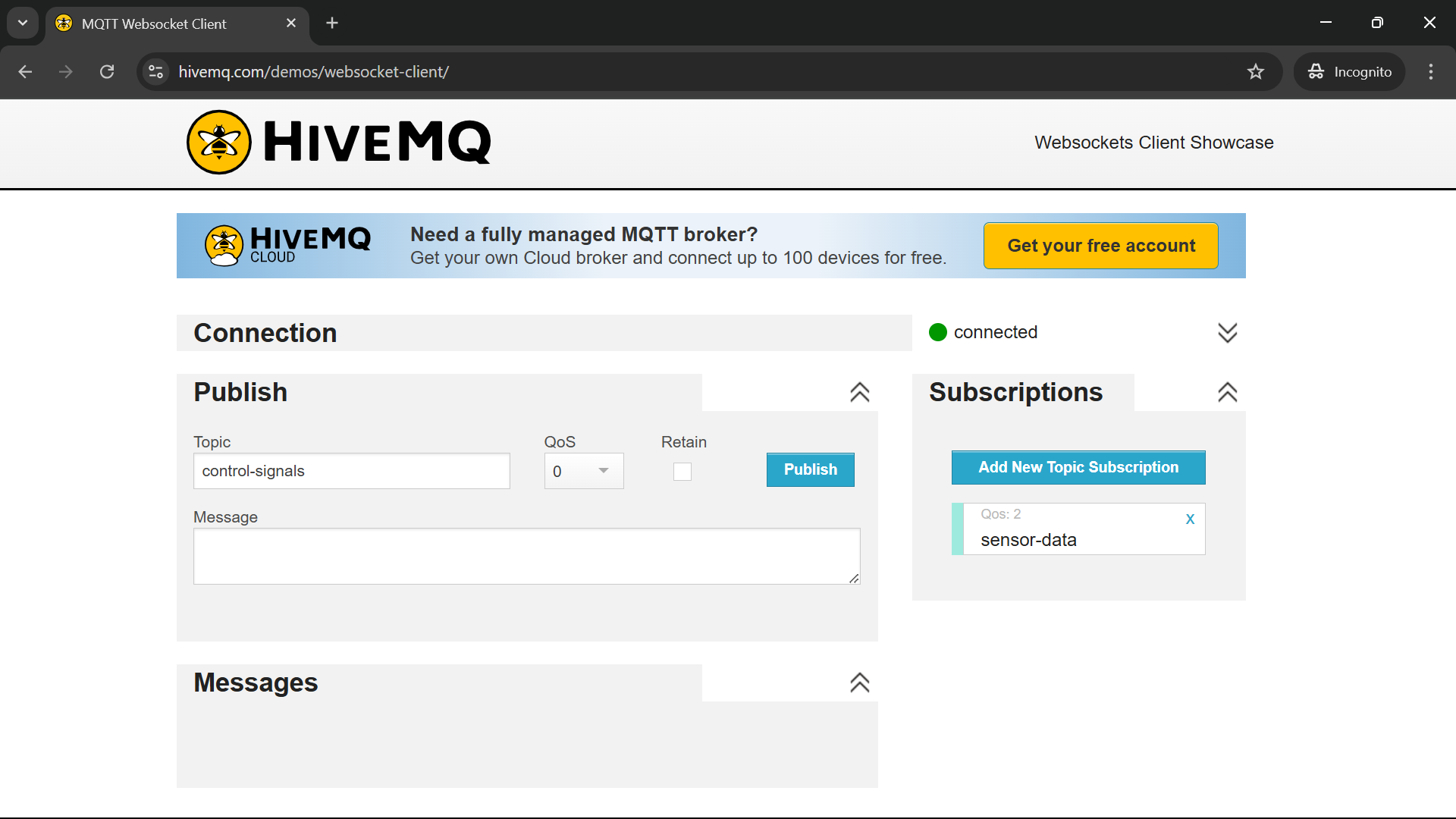
Sample screenshots for the HiveMQ Broker are shown below:
Topics
You don’t need to explicitly create a topic on the broker, you can simpily publish to a topic from where you want to send the messages and subscribe to the same topic from where you want to receive the messages.
For this project we will have two topics:
-
Node-RED will publish sensor data from the circuits to one topic on the broker and the web client will subscribe to the topic to read the data.
-
The web client will publish control signals to another topic on the broker and Node-RED will subscribe to the topic to read the signals and send them to the circuits to control the relay or actuator.
You can name the topics whatever you want but one thing to keep in mind is that on a public broker if you use a common word as the topic name, others may use it to for their topics too. In that case, you will see data published by others and others will see data published by you.
Note that public MQTT brokers do not guarantee persistence or security of data. Do not ever post any confidential data on such brokers.